
As a part-time lecturer developing course content for adult learners, I often juggle multiple tasks, from sourcing learning materials to designing assessments and uploading resources to the Learning Management System (LMS). The goal is to create well-organized, accessible, and high-quality course content that supports student success. However, challenges such as time constraints, outdated materials, and inconsistent organization can make the process inefficient.
To address these issues, I tested two productivity tools, Notion and Google Workspace, to determine how each can enhance efficiency, usability, and overall output quality in developing course materials. This blog post documents my testing process, analysis, and final recommendation supported by scholarly research.
Purpose and Tasks
Purpose
To evaluate productivity tools that can streamline the process of developing, organizing, and maintaining course materials for adult learners.
Tasks
Develop a weekly course outline.
Create and organize digital learning resources.
Upload assessments and materials to the LMS.
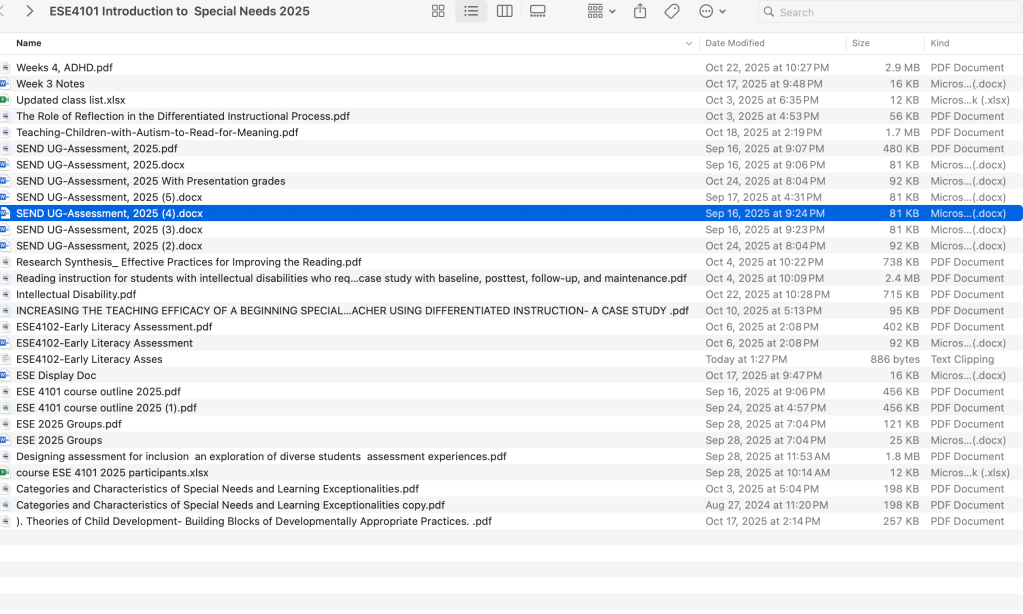
Performing the Task Without Productivity Tools

The manual process served as a baseline to measure improvements from productivity tools.
Productivity Tools Tested
Notion
A flexible content organization tool for planning and creating course structures.
Google Workspace
A collaborative suite (Docs, Drive, and Slides) for creating and sharing course content.
Using Notion
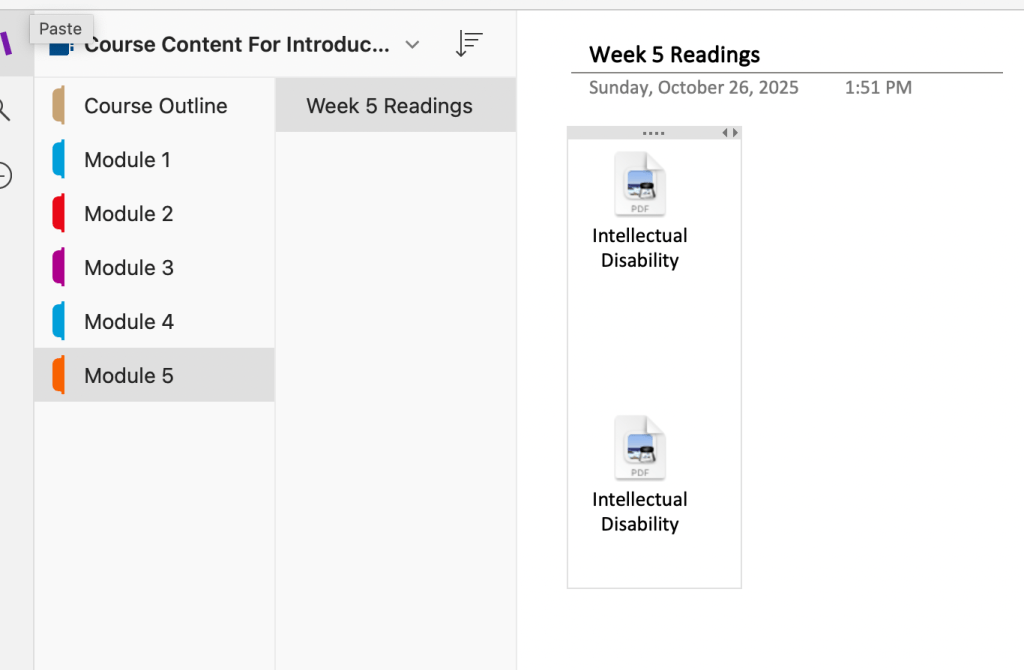
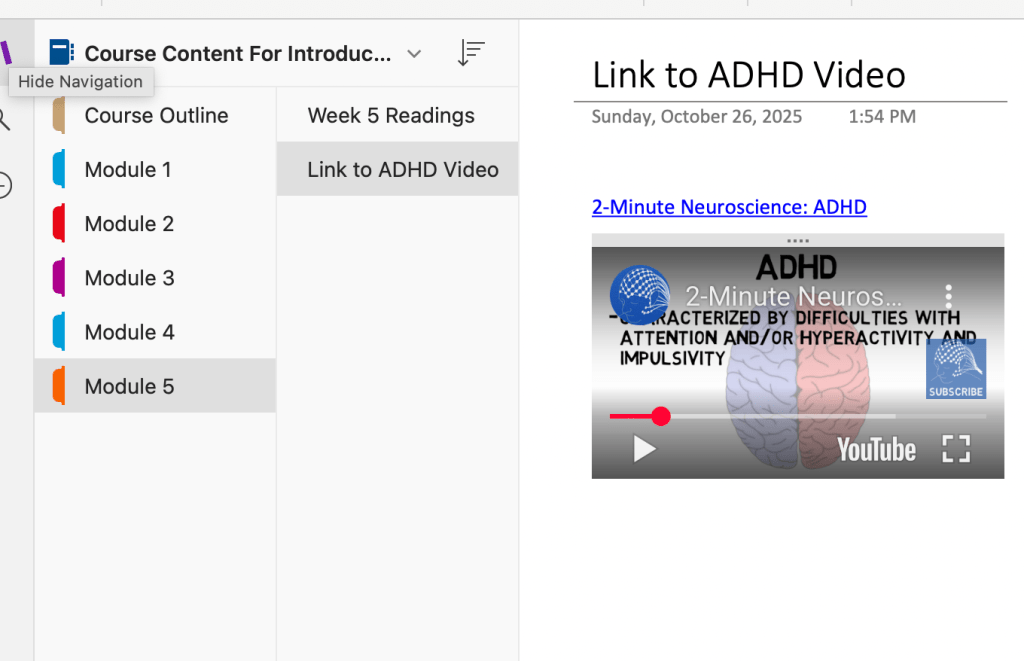
Next, I recreated the same course using Notion. With its customizable templates and content blocks, I was able to design an interactive course structure in 75 minutes,reducing total clicks to about 220. Notion’s drag-and-drop interface made it easy to rearrange lessons, embed links, and create to-do lists for module completion.

Analysis
Notion excelled in organization and visual planning. According to Lu et al., (2022), educational technology tools are most effective when they maximize efficiency, effectiveness, and user satisfaction. Notion met these criteria by reducing cognitive load and improving workflow clarity. It also required minimal training time, an essential usability factor for busy educators.
Using Google Workspace
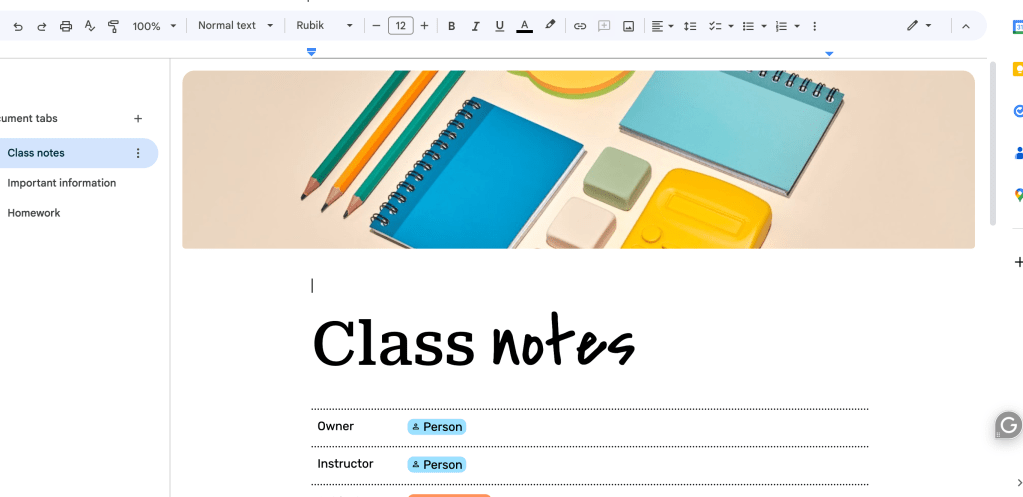
Finally, I developed the same course using Google Workspace (Docs, Slides, and Drive). The integrated ecosystem allowed easy collaboration, file sharing, and version control. The process took 90 minutes and required 250 clicks. Uploading materials to the LMS was seamless thanks to Google Drive integration.


Analysis
Google Workspace enhanced collaboration and cloud storage efficiency but required more navigation steps between tools. As Alkoblan and Abdullah-Al-Wadud (2023) note, usability in learning platforms depends on learnability, efficiency, and satisfaction. Google Workspace scored well in efficiency and collaboration but required a steeper learning curve for managing linked files and folders.
Comparative Metrics
| 1 | None | 120 | 450 | Average | Manual organization required |
| 2 | Notion | 75 | 220 | High | Streamlined with templates |
| 3 | Google Workspace | 90 | 250 | High | Strong collaboration features |
Overall Analysis
Both tools improved task efficiency and quality compared to working manually. Notion’s strength lies in its visual organization and template-based structure, while Google Workspace shines in real-time collaboration and LMS integration. The differences align with scholarly perspectives that emphasize efficiency, satisfaction, and learnability as core metrics for educational technology usability (Lu et al., 2022; Alkoblan & Abdullah-Al-Wadud, 2023).
Recommendation
Based on testing and research, I recommend Notion as the most effective productivity tool for course development and organization.
Its simplicity, flexibility, and visual layout make it ideal for instructors managing multiple courses or updating content throughout the semester. For optimal results, educators can integrate Notion with Google Workspace, utilizing Notion for planning and Google for collaboration and file management.
This combination aligns with research that prioritizes usability-driven technology adoption, ensuring sustainable, efficient, and learner-centered content delivery in higher education.
References
Alkoblan, S. I., & Abdullah-Al-Wadud, M. (2023). A model for usability evaluation of learning management systems. International Journal on Integrating Technology in Education (IJITE), 12(1), 59–75. https://doi.org/10.5121/ijite.2023.12105
Lu, J., Schmidt, M., & Lee, M. (2022). Usability research in educational technology: A state-of-the-art systematic review. Educational Technology Research and Development. https://doi.org/10.1007/s11423-022-10152-6
 Words, Wealth & Wisdom