
A practical learning object for preparing adult undergraduate teachers to design AR-supported vocabulary instruction
Introduction & Purpose
Adult literacy learners benefit from contextualized, scaffolded practice that connects words to everyday tasks. Everyday Words: An AR-Enhanced Literacy Adventure is an interactive Genially case study designed for adult undergraduate teacher-learners. Its purpose is twofold: (1) to demonstrate how augmented-reality–style supports can make vocabulary visible and usable in real life, and (2) to give teacher-candidates hands-on practice selecting, adapting, and evaluating instructional supports that scaffold functional reading in environments like the home and grocery store.
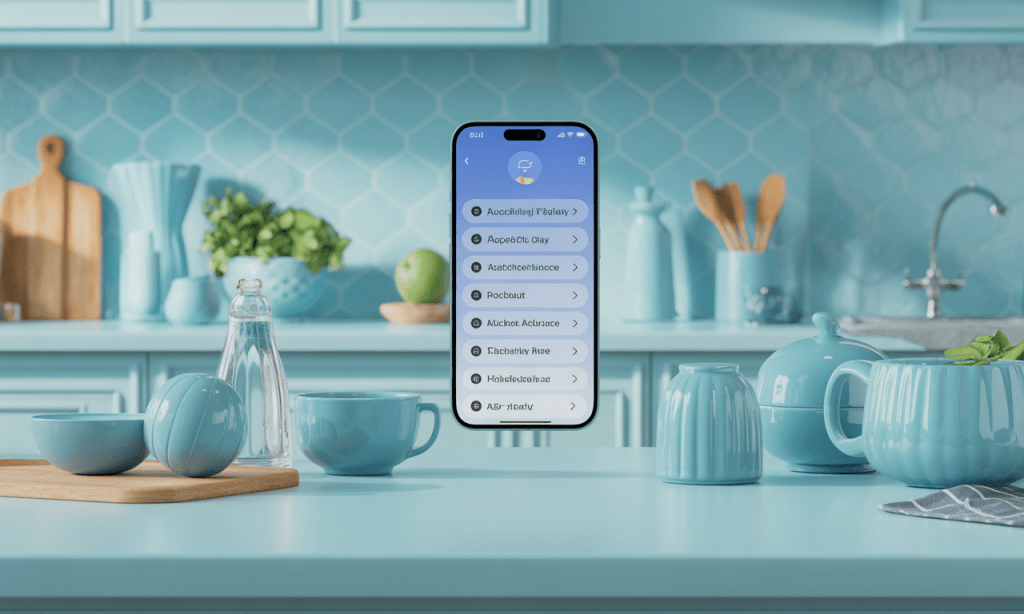
Learning Objective
By the end of this module, teacher-learners will be able to analyze and apply AR-supported vocabulary strategies to design literacy tasks that improve adult learners’ functional reading in authentic contexts (e.g., home, grocery store).
Description of Content
The Genially learning object is organized as a 10–12 minute, modular case study with six scenes:
Landing Page
Welcome, purpose statement, and navigation instructions.
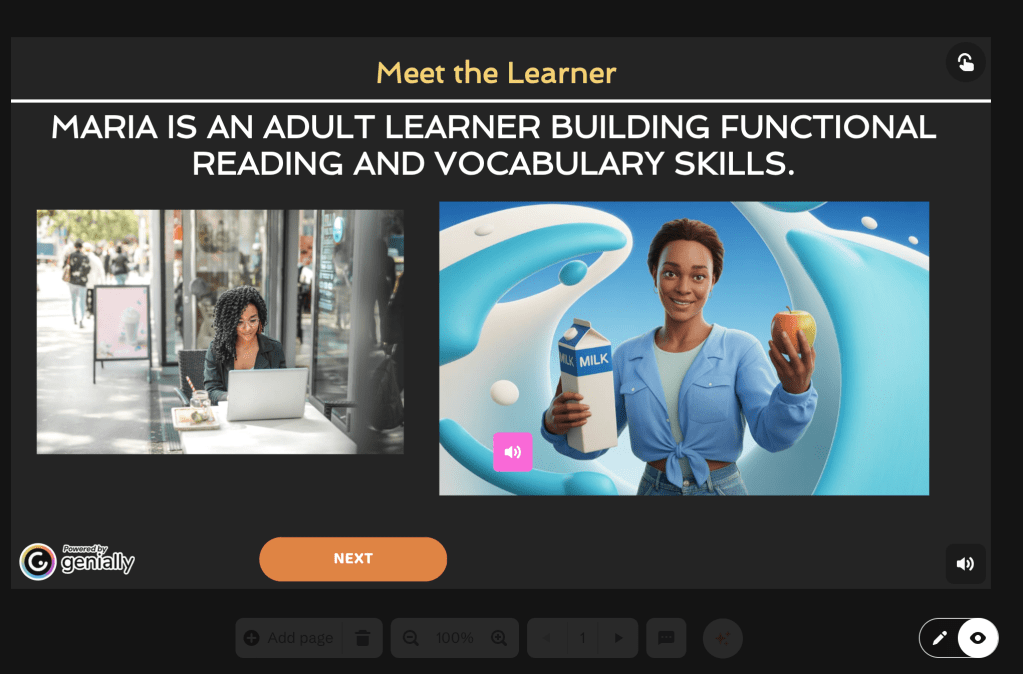
Meet the Learner
Profile of “Maria,” an adult literacy learner; interactive hotspots simulate AR object scans (word + pronunciation + sample sentence) and include a short instructor audio note.
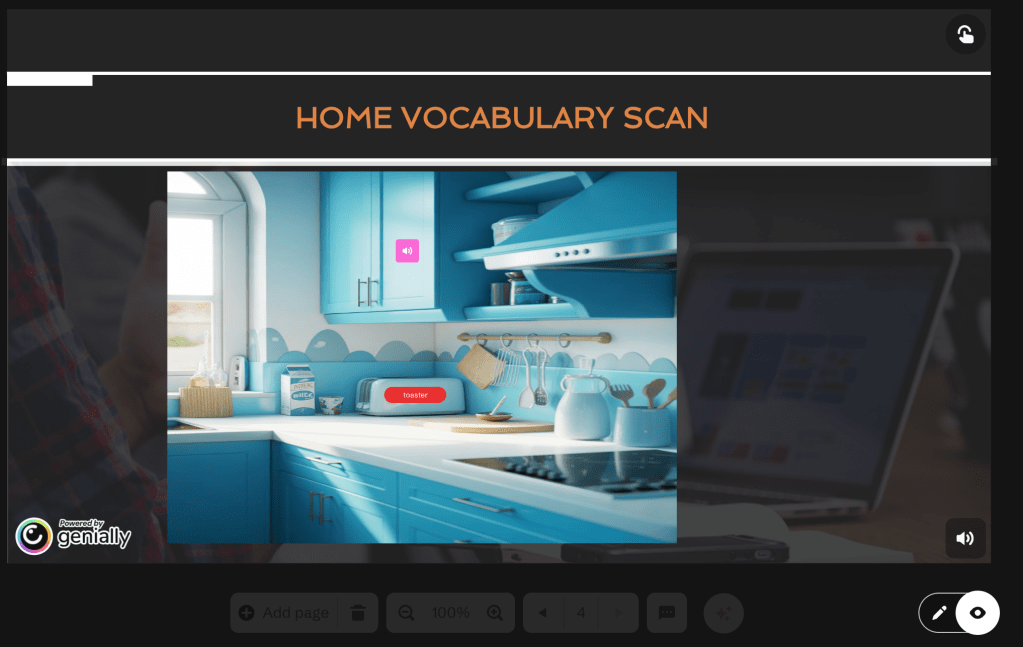
Home Vocabulary Scan
Clickable household items reveal vocabulary pop-ups; learners type a simple sentence for each item and receive immediate feedback.
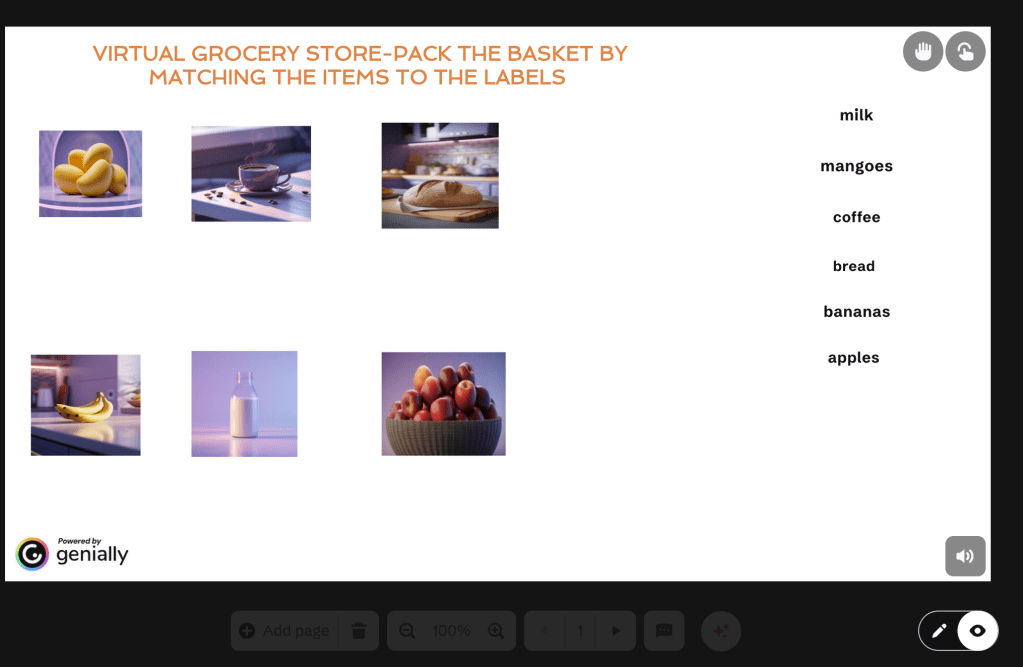
Virtual Grocery Store (Branching)
Reading Labels & Following Directions
Microtasks: identify product name, sequence instructions (drag-and-drop), and select a help-seeking sentence. Scaffolded feedback follows each response.
Pedagogical Decision & Reflection
Teacher candidates choose instructional supports (e.g., QR-tag vocabulary labels, audio word lists), receive rationales and micro-teaching tips, and submit a short reflection.
How the Learning Object Is Interactive, Accessible, Engaging, and Reusable
Interactive
The module uses hotspots, branching choices, drag-and-drop tasks, and typed responses to require active decision-making rather than passive consumption. Instant feedback and short model responses scaffold reflective practice.
Accessible
Every image includes alt text; some audio has transcripts, and layouts use high-contrast fonts and keyboard-friendly navigation, allowing users with limited connectivity or assistive technology to access the content.
Engaging
Authentic contexts (such as kitchens and grocery aisles), simulated AR “scans,” and choice-driven pathways increase relevance and learner autonomy, factors that support motivation in adult learners.
Reusable
Scenes are modular: vocabulary sets, scenario branches, and downloadable templates can be edited and repurposed for different course goals, learner levels, or community contexts. This modularity mirrors teacher-reported needs for adaptable learning objects (Santos et al., 2022).
Research supports this blend of features: interactive multimedia and contextualized tasks increase comprehension and task transfer for diverse learners, while modular, reusable objects make classroom integration easier for instructors (Mallidis-Malessas et al., 2022; Santos et al., 2022).

Design-Tool Selection & Considerations
I selected Genially for this project after weighing three core criteria: (1) interactivity (branching and hotspots), (2) multimodal support (audio + text + drag-and-drop), and (3) ease of sharing/embedding across LMS platforms. Genially enables rich, non-linear learning experiences without coding, and it supports export/embed options that make the object straightforward to deploy in Canvas, Blackboard, or Google Sites. These affordances align with teacher preferences for flexible, easy-to-integrate learning objects (Santos et al., 2022) and with evidence that scaffolded digital tasks support comprehension (Mallidis-Malessas et al., 2022). Practical considerations also included accessibility options, analytics availability, and low learner device requirements (mobile + laptop friendly).
Check out my Genially at the link below

Conclusion & Invitation
Everyday Words is a compact, pedagogically grounded learning object that teacher-candidates can use to practice designing AR-informed literacy supports without specialized hardware. I invite colleagues to preview the module (embed link above), adapt the vocabulary sets for local contexts, and share back any adaptations you develop.
References
Mallidis-Malessas, P., Iatraki, G., & Mikropoulos, T. A. (2022). Teaching physics to students with intellectual disabilities using digital learning objects. Journal of Special Education Technology, 37(4), 510–522. https://doi.org/10.1177/01626434211054441
Santos, A. I., Costa, A. C., Botelho, A. Z., Parente, M. I., Cascalho, J., Freitas, D., Behr, A., Rodrigues, A., & Mendes, A. B. (2022). Learning objects in the educational context: The perspective of teachers in the Azores. Education Sciences, 12(5). https://doi.org/10.3390/educsci12050309
 Words, Wealth & Wisdom